Microsoft Changes

In today’s Microsoft cloud ecosystem, customers expect instant visibility, self-service options, and frictionless interactions. For CSPs and MSPs, this shift isn’t just a customer experience upgrade, it’s an operational necessity.
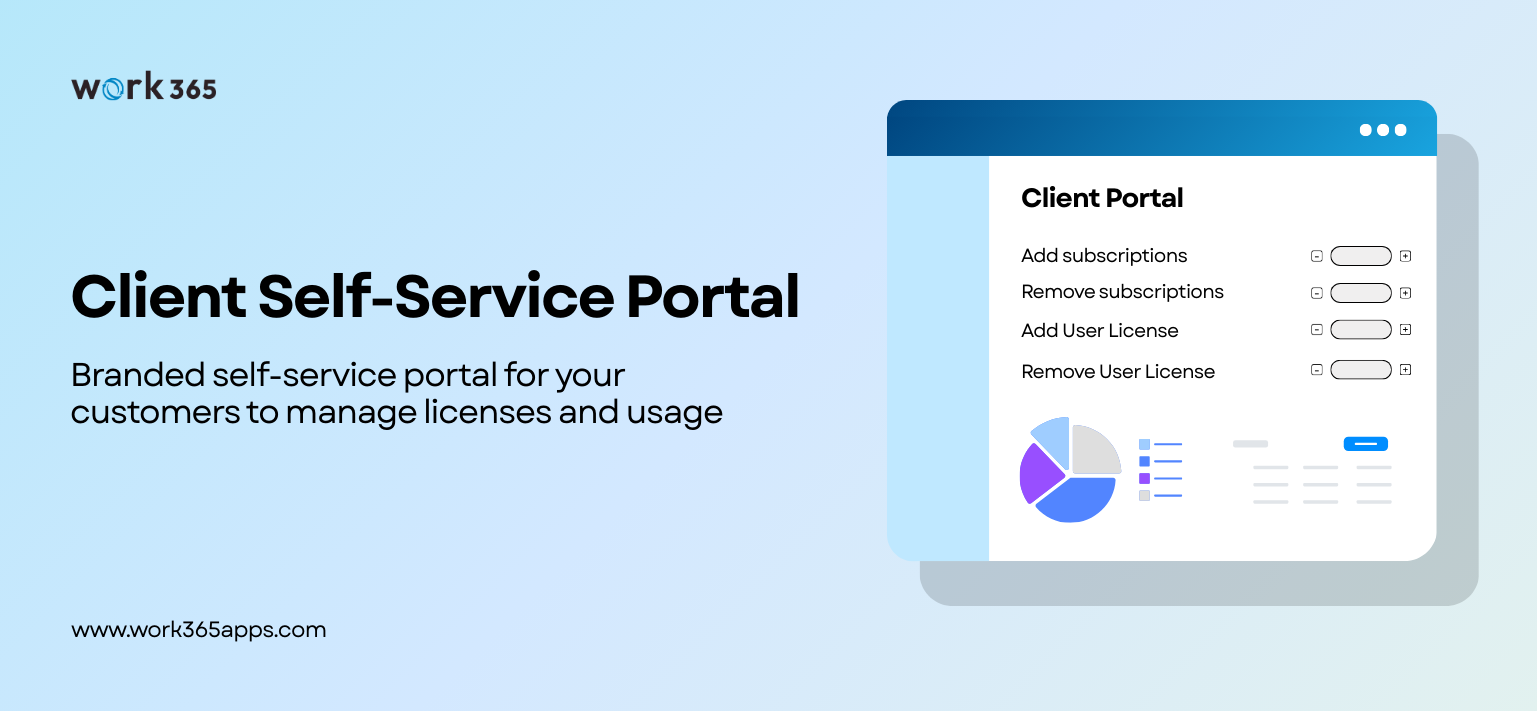
Work 365’s Client Self-Service Portal, built natively on Microsoft Power Platform and deeply integrated with Partner Center, enables partners to deliver exactly that: a secure, branded, AI-ready portal where customers can manage licenses, subscriptions, billing, and support without waiting for your team.
The Rise of Customer-Controlled Cloud Operations
Microsoft cloud consumption is accelerating; Azure, Microsoft 365, Dynamics, and security workloads are expanding inside every organization. With this growth comes a predictable operational burden for CSPs and MSPs:
-
Endless license add/remove requests
-
Manual subscription adjustments
-
Billing questions and invoice re-sends
-
Support tickets for routine updates
-
Customers wanting more transparency
These tasks, while simple, drain resources and slow down your team. At scale, they become unsustainable. Customers today don’t want to “open a ticket.” They want instant answers and immediate control, the same seamless experience they get from modern SaaS platforms.
This is where the Work 365 Client Self-Service Portal steps in.
Portal Built for the Modern Microsoft CSP
The Client Self-Service Portal is purpose-built for CSPs and MSPs who want to create a better customer experience while reducing operational waste. It gives your customers a single, secure, beautifully branded place to manage:
✔ Subscriptions & Licenses
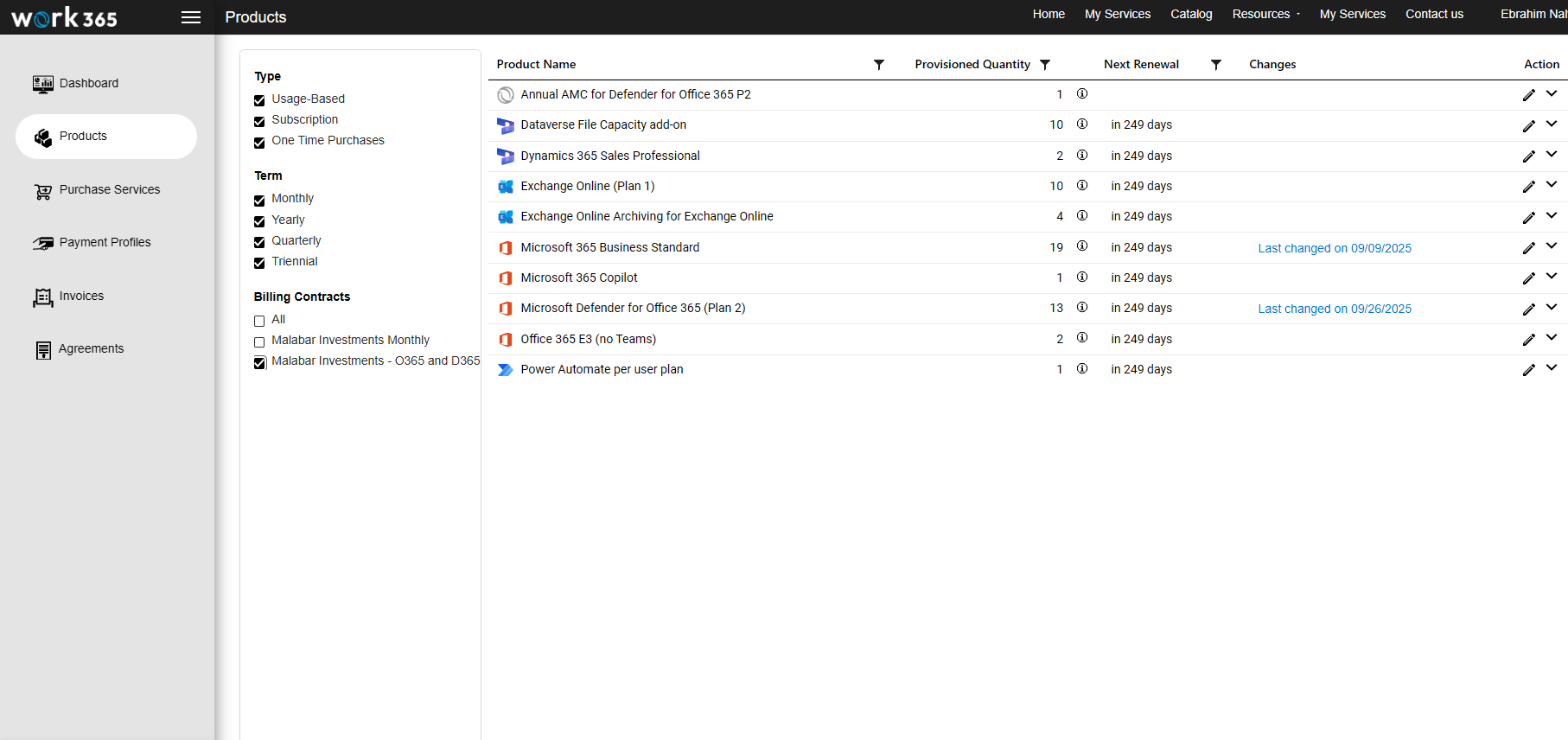
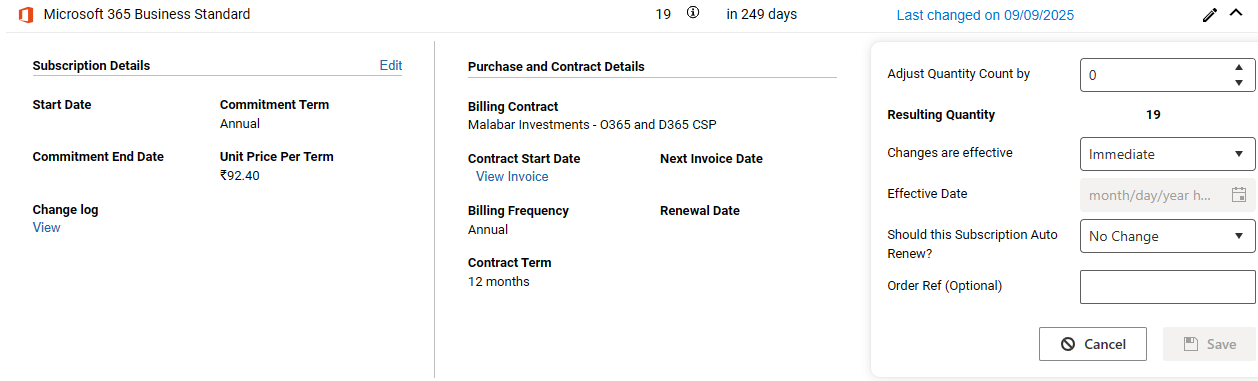 Customers can purchase, adjust, or update Microsoft 365, Dynamics 365, and Azure subscriptions directly - no back-and-forth emails required.
✔ Azure Usage & Consumption
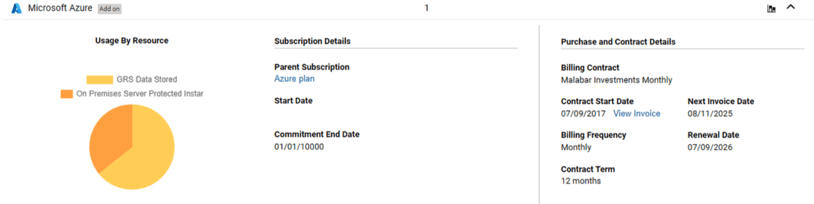
Deliver real-time usage insights that prevent billing surprises and empower smarter cloud decisions.
✔ Billing & Invoices
Provide transparency with a full invoice history, upcoming renewals, payment status, and more.
✔ Service & Support Requests
Automate common tasks like provisioning, access requests, billing queries, and support needs with guided forms and workflows.
✔ Account & User Management
Give customers role-based access so admins can control who sees what.
And all of it is powered by secure Microsoft-native identity and data integrations.
Designed for Partners, Loved by Customers
A branded, white-labeled experience
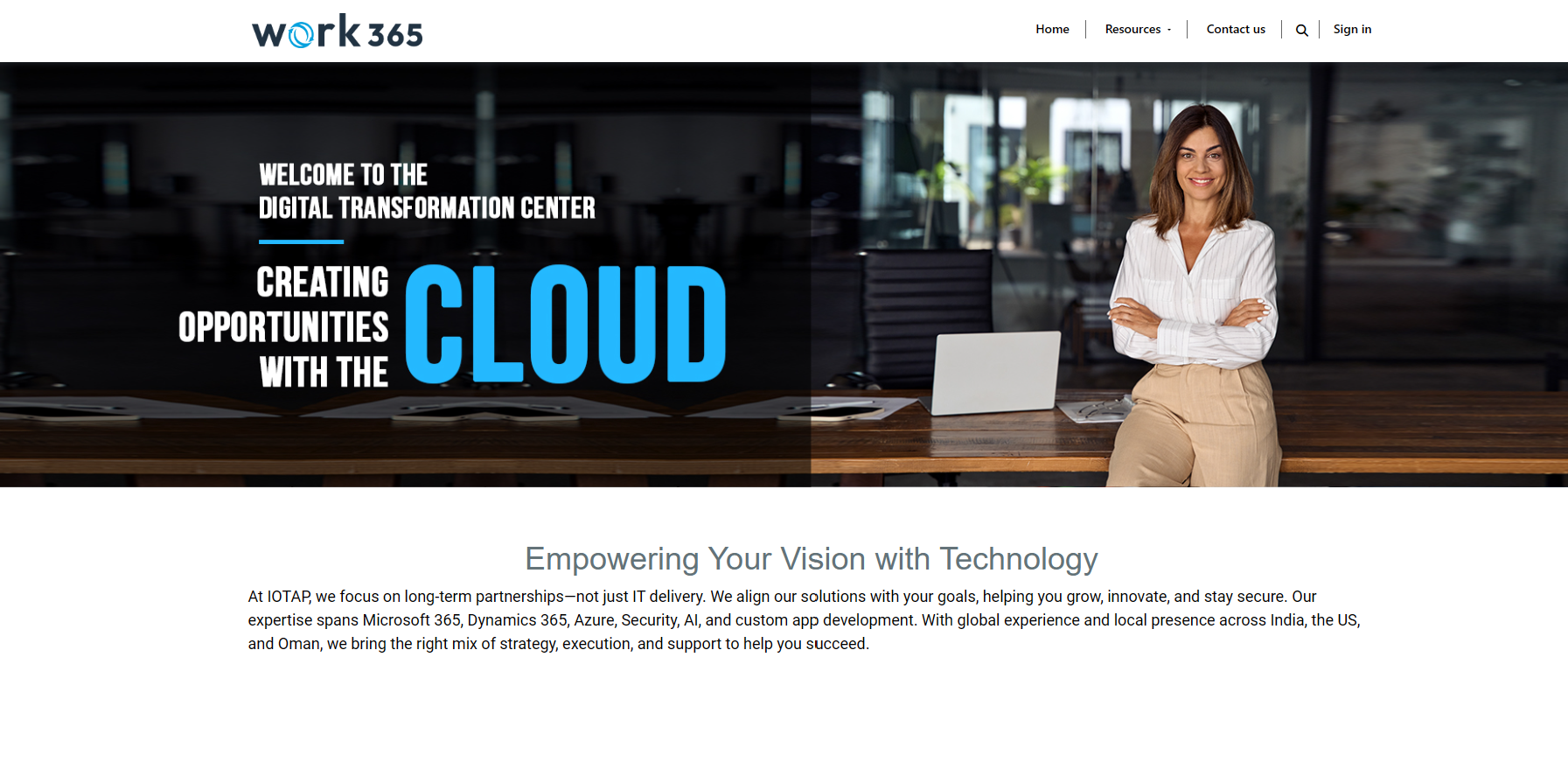 Add your logo, colors, content, and messaging. Your customers get a professional portal that enhances your brand, not a generic third-party experience.
Built on Microsoft Power Platform
This isn’t a bolt-on tool. It’s built on the same platform your customers trust: Power Apps, Azure AD, Power Automate, and Dataverse. That means:
-
Enterprise-grade security
-
No-code extensibility
-
Seamless integrations
-
Compliance and governance aligned with Microsoft standards
Integrated with Microsoft Partner Center
Every subscription change, license update, and customer action syncs directly with live Partner Center data - no delays, no mismatches, no manual intervention.
AI-ready for your next evolution
Connect to Microsoft Copilot, Power Automate, or Azure AI services to enable capabilities like:
-
Predictive support recommendations
-
Smart billing alerts
-
Automated provisioning
-
Context-aware responses
The portal becomes smarter as you grow.
Why Self-Service Is a Competitive Advantage for CSPs
1. Reduce Support Tickets, Immediately
When customers can self-serve:
-
License and subscription changes become on-demand
-
Billing inquiries drop
-
Provisioning workflows become automated
This eliminates hundreds of recurring tickets per month.
2. Improve Customer Satisfaction
Customers love having control. They get transparency, speed, and a consumer-grade experience.
3. Increase Retention & Strengthen Stickiness
A branded portal becomes a daily touchpoint. The more value customers get from your portal, the less likely they are to switch providers.
4. Scale Without Growing Headcount
Self-service is force multiplication. Your team handles complex, high-value work while routine actions automate themselves.
5. Future-Proof Your CSP Practice
Microsoft’s ecosystem is moving toward automation, data, and AI-driven operations. Work 365’s portal positions partners ahead of that curve.
Better Experience for Every Customer Segment
For SMB Customers
Self-service means fewer barriers and instant results.
For Mid-Market & Enterprise
Role-based access, secure authentication, and rich visibility meet the complexity of multi-team environments.
For MSPs & CSPs
Automated operations and real-time data reduce risk and increase margins.
See the Portal in Action
A client self-service portal isn’t a “nice-to-have” anymore. For modern Microsoft CSPs and MSPs, it’s a revenue enabler, an operational optimizer, and a brand differentiator.
Work 365’s Client Self-Service Portal empowers your customers with transparency and control, while freeing your team to focus on growth, not manual tasks.
Now available on Microsoft Marketplace as well.