
For most Microsoft CSPs, moving to a new billing platform is a sign of success. The business has grown past what the current tool was built to handle.
As a CSP scales, billing gets more demanding on every axis at once: more customer subscriptions, more reseller relationships, more Azure consumption to track, and a steady stream of Microsoft licensing changes to absorb. Finance spends more time reconciling, support fields more billing questions, and reporting gets harder because the data lives in several places at once.
The New Commerce Experience raised the bar again, with commitment terms, renewal schedules, and cancellation rules that reward platforms built for the current program rather than retrofitted to it. The common workaround, bolting on spreadsheets and standalone tools, solves the immediate problem and creates a slower one. At a certain point, migrating to a platform designed for this scale becomes the simpler path, not the riskier one.
Decide what "good" looks like before you move
A migration starts well before any data is exported. Three questions set the whole project up.
Why are you migrating? Reducing manual work, stronger reporting, support for more complex licensing, or headroom to grow all point to different priorities. Naming the primary reason tells you what to optimize around.
Who owns it? Finance, operations, IT, support, and leadership each carry part of the migration. Clear ownership per phase is what keeps a multi-team project from stalling.
What does success look like? Faster invoicing, fewer disputes, less time reconciling, better reporting. Define the target up front so you can measure whether you hit it.
- Planning beats speed. A successful migration is driven by planning and validation, not how fast you can cut over.
- Parallel billing catches errors first. It is the most reliable way to catch pricing and rating mistakes before a customer does.
- Clean data removes risk before it starts. Standardizing accounts and pricing before the move prevents most downstream issues.
- Phased cutovers surface small problems. A staged rollout lets you find issues while they are still easy to fix.
- Native Microsoft integration reduces mapping errors. This is the most common source of migration disruption, and it's largely preventable.
- The migration is a platform opportunity. It's your best chance in years to upgrade from billing software to a full revenue and operations platform.
What to migrate, and what to leave behind
A migration moves far more than customer records. It carries the billing rules, financial history, and integrations that keep invoicing accurate. Scope varies by business, but most CSPs should account for the following.
| Billing component | Why it matters |
|---|---|
| Customer accounts | Billing continuity and relationship history |
| Active subscriptions | No service disruption during the move |
| Pricing and reseller agreements | Contractual pricing stays accurate |
| Historical invoices | Audits, reporting, and customer reference |
| Usage and consumption data | Accurate usage-based invoicing |
| Payment history | Correct customer balances |
| Taxes and credits | Financial reconciliation and compliance |
| Reports and dashboards | Operational visibility from day one |
| Integrations | Connected systems keep talking to each other |
Just as important is deciding what not to bring across. Duplicate accounts, inactive subscriptions, and outdated pricing rules add effort and risk without adding value. Treat the migration as a chance to raise data quality, not to copy every old record into a new home.
A phased migration framework
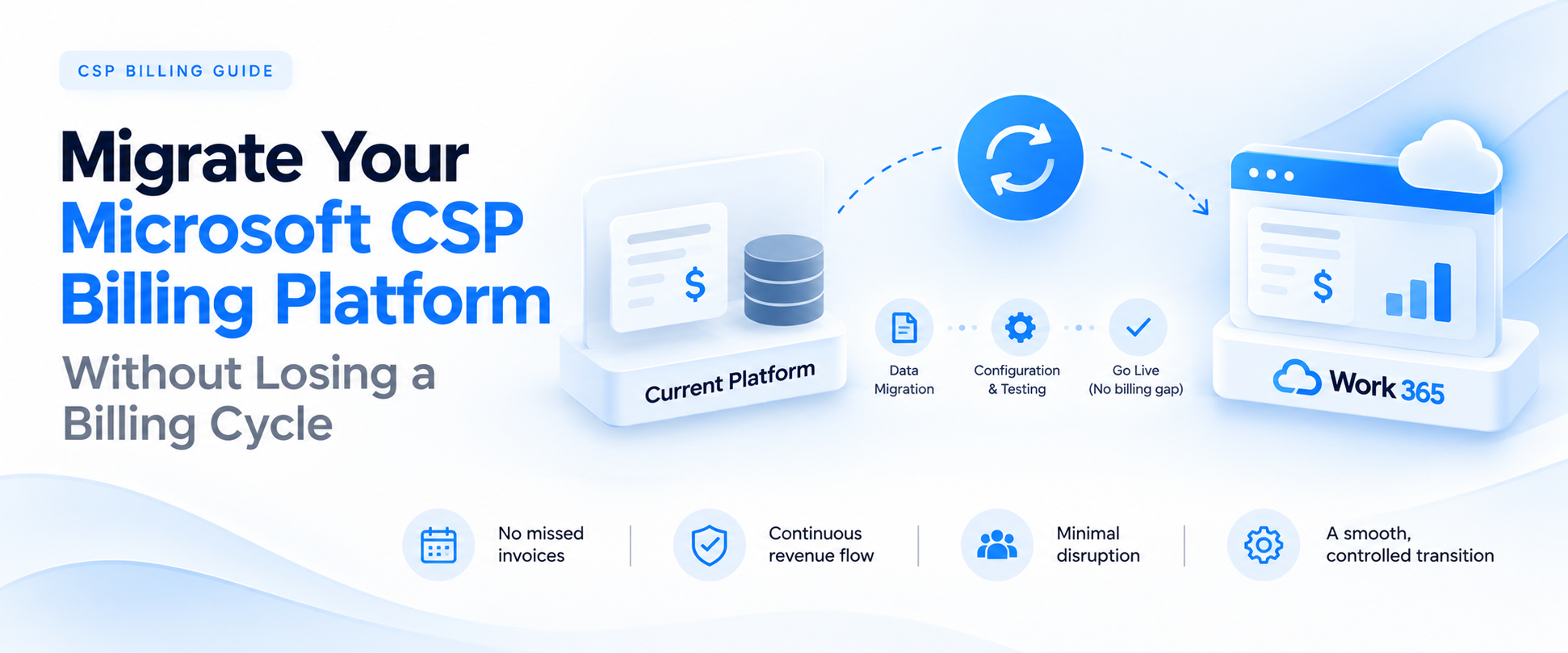
Treat the migration as a phased rollout, not a single switch. A one-shot cutover looks faster, but it concentrates every point of failure into one moment. Validating each stage before you start the next lets your team catch issues while they are small.
Assess your current environment
Document customer accounts, active subscriptions, pricing rules, billing cycles, reseller terms, and every connected system, from Partner Center to CRM, ERP, accounting, payment gateways, and customer self-service. Flag the workflows that lean on manual effort or produce errors today.
Clean and standardize the data
Remove duplicate accounts, update stale customer details, archive inactive subscriptions, and verify pricing and reseller rules. Bad data in means the same billing issues come out the other side.
Configure the new platform
Set up pricing models, invoice templates, billing cycles, tax rules, reseller hierarchies, user roles, and approval workflows before any production data lands. This is the point to automate invoice generation, payment tracking, and reporting.
Migrate in phases
A workable sequence is foundation first (accounts, pricing, reseller hierarchies), then historical records (invoices, payments, credit notes), then live billing (active subscriptions and remaining production data).
Validate every integration
Confirm Partner Center authentication and token handling, run bidirectional sync tests with your PSA and ERP to check seat-count alignment, run mock transactions through payment gateways, and confirm invoice emails actually reach customers.
Run parallel billing
Run the old and new platforms side by side for one or more cycles on the same live data. Compare line-item totals, prorated seat changes, Azure consumption, taxes, discounts, credits, and currency conversions, down to small rounding gaps.
Go live with monitoring
Move customers in waves, starting with a smaller group so you can confirm accuracy before you expand. Watch invoice generation and delivery, subscription updates, usage sync, payments, and support tickets closely through the first few cycles.
Where migrations go wrong, and how to prevent it
Most migration problems trace back to a validation step that was skipped, not to the migration itself.
- Invoice discrepancies. Keep both platforms running in parallel until totals match consistently. Validate line items, Azure usage, taxes, discounts, and credits before moving anyone.
- Incorrect subscription mapping. The most common failure point. Reconcile against Partner Center with API-based validation, and verify every subscription, tenant, renewal status, and NCE commitment before cutover.
- Pricing inconsistencies. Custom pricing, reseller discounts, and currency rules are easy to get wrong. Test every non-standard rule in a sandbox before migrating live accounts.
- Missing historical records. Verify invoices, credit notes, and payment history all came across, reconcile against your accounting system, and keep the old platform read-only until every audit need is met.
- Low adoption. Give finance, sales, and support role-based training before go-live, plus quick-reference guides for the everyday tasks: seat changes, custom invoicing, credit notes, payments.
What to look for in your next platform
A migration is a rare chance to raise the ceiling on what your billing operation can do, so evaluate on more than feature parity.
- Integrates natively with the Microsoft stack. Native Partner Center sync keeps subscriptions and provisioning aligned in real time.
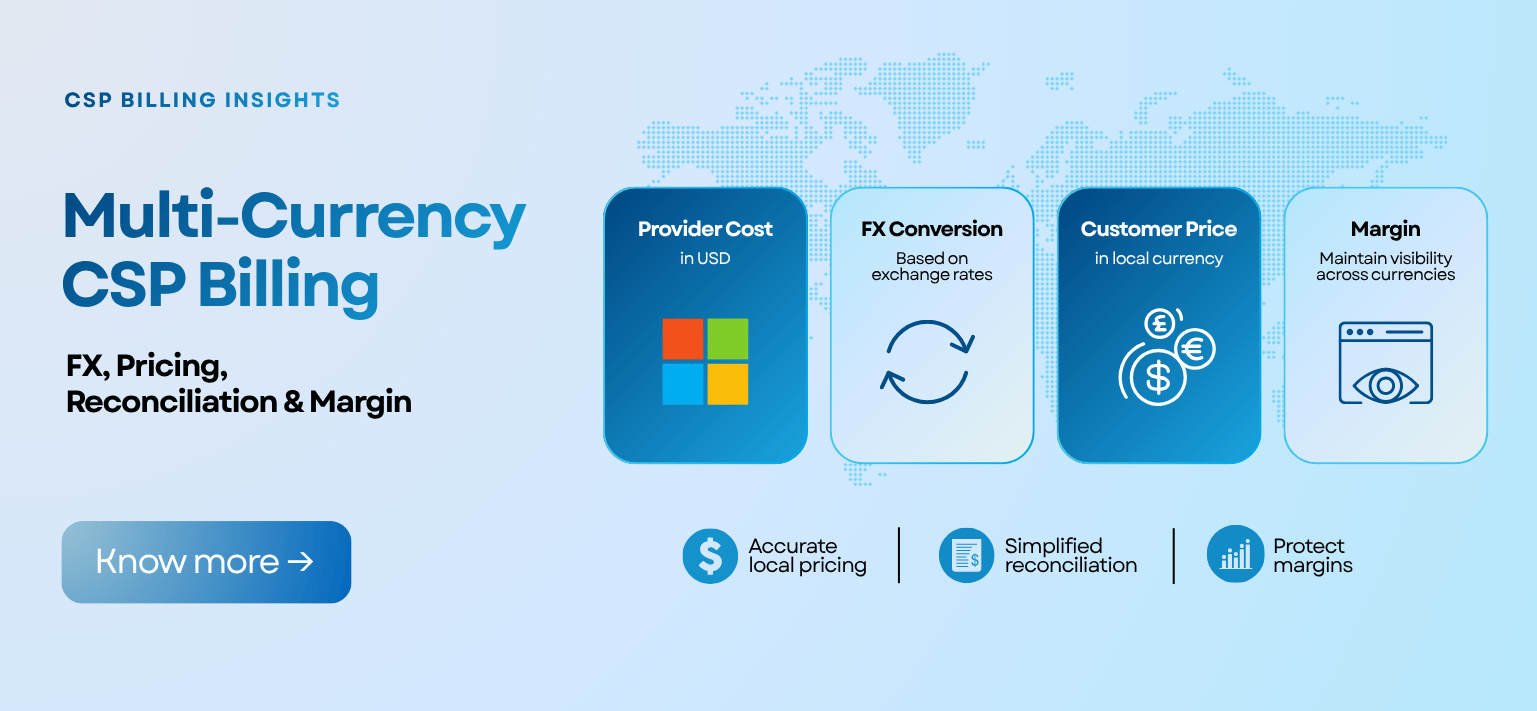
- Handles multiple currencies. If you invoice in more than one currency, confirm the platform does it natively rather than through manual adjustment.
- Gives you real reporting, not just dashboards. Direct access to the underlying data means finance can answer its own questions.
- Fits your pricing model, not forces one. Fixed, contract-based, tiered, or revenue-based, pricing should scale the way you want it to.
- Covers the full Microsoft catalog plus your own services. One catalog for Microsoft, ISV add-ons, and your own products keeps quoting and billing in a single place.
- Offers customer self-service. A single view for renewals, upgrades, and seat changes takes routine work off your team from day one.
- Scales with the business. Larger customer bases, more reseller relationships, and evolving Microsoft licensing should be a configuration change, not a re-platforming.
Work 365 is built natively on Microsoft Dataverse and the Power Platform, so your billing data lives inside the same environment as the rest of your Microsoft business rather than in a closed system you have to export from.
How Work 365 supports your migration
Work 365 is the revenue and operations platform for Microsoft CSP partners, built natively on Microsoft Dataverse and the Power Platform. For a migration, that native foundation does real work: real-time Partner Center sync keeps subscription mapping accurate, the full Microsoft catalog and your own services live in one place, 200+ Power BI reports give finance visibility from the first cycle, and Work 365 ENGEN gives your customers self-service for renewals and seat changes. The result is a move that takes manual work off your finance team and leaves you with billing infrastructure that grows with the business.
Done well, a migration doesn't just move your invoices to a new address. It's the moment you decide what your billing operation is capable of for the next several years.