Microsoft Changes

If you’ve ever finished monthly billing and still felt uneasy, like something slipped through, you're not alone.
For most Microsoft CSPs and MSPs, billing problems don’t come from lack of effort. They come from a structural gap: invoices tell you what you billed, but not always what period you should have billed for. And when you’re dealing with mixed billing cycles, Azure usage, proration, or thousands of subscriptions, that gap becomes the source of revenue leakage, reconciliation pain, and billing fire drills.
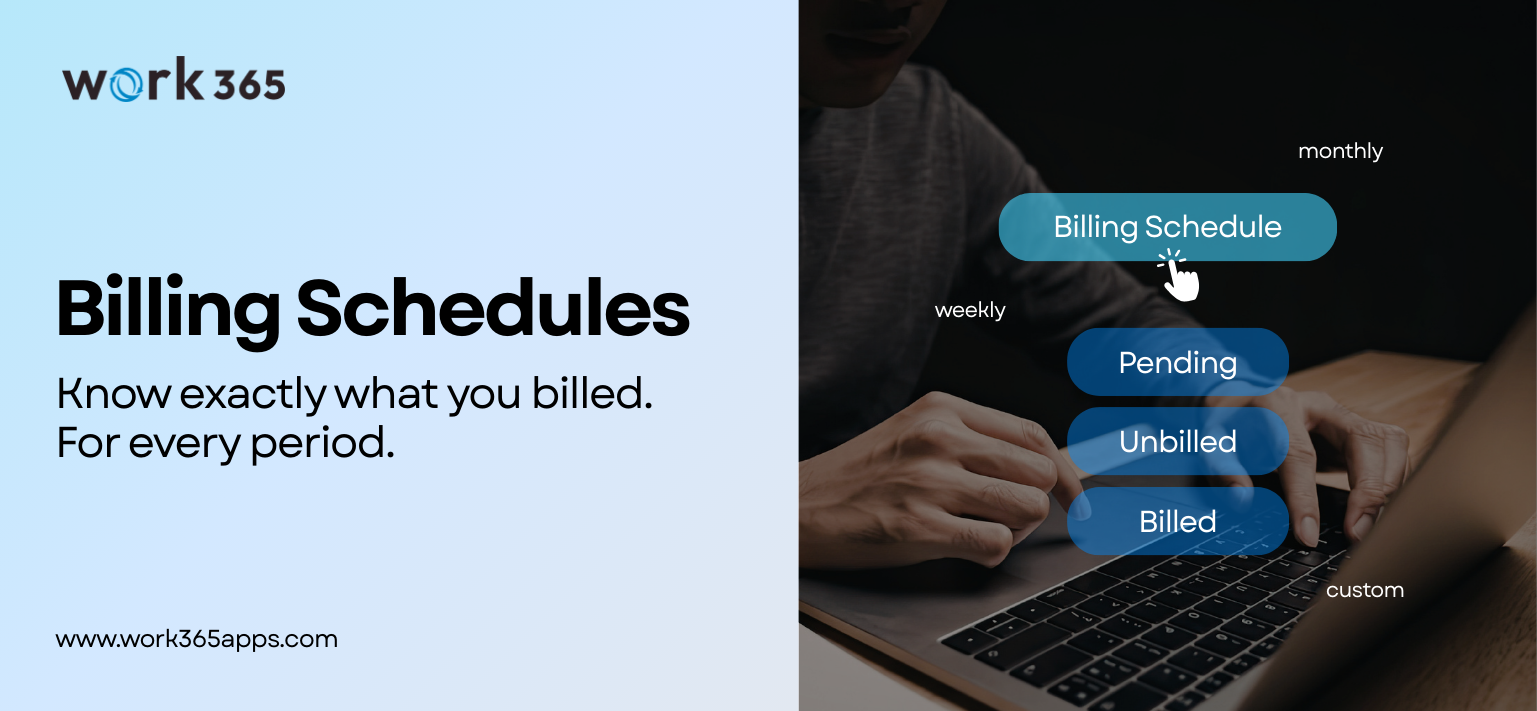
That’s exactly what Billing Schedules in Work 365: #1 Microsoft Revenue Operations Platform, are designed to fix.
This post breaks down what Billing Schedules are, why they matter, and how teams should use them operationally.
What is a Billing Schedule?
A Billing Schedule represents the billing period (or billing cycle) for which you’re generating billing, not the invoice itself.
Think of it like this:
- Billing Schedule = the “what period”
- Invoice = the “payment transaction/document”
An invoice can be created early, late, re-issued, grouped, or split. But the billing schedule is the anchor that answers:
“What time period are we billing for and did we capture all revenue for that period?”
That framing matters because finance and billing operations don’t reconcile by “invoice created date.” They reconcile by period.
Why Billing Schedules exist: the real billing ops problem
Before Billing Schedules, if something didn’t bill (or billed partially), teams often had to:
Go into Billing Contracts -> hunt for what didn’t bill -> manually select what to invoice -> exclude other items -> repeat until confident.
That workflow breaks down fast when:
- a billing cycle contains a mix of invoiced and not invoiced items
- a subset of contracts silently fails to bill
- Azure subscriptions or usage lines are missed
- billing is segmented across multiple schedules (monthly arrears, monthly advance, annual, etc.)
The operational cost isn’t just time. It’s uncertainty because you can’t easily prove completeness by period.
What Billing Schedules enables?
Billing Schedules give billing and finance teams a new control layer:
1) Revenue visibility by period
Instead of asking:
- “What invoices did we generate this month?”
You can ask:
- “What revenue did we generate for this billing period?”
Now you can filter by May/June/January and immediately see period totals.
2) Catch missed billing without digging through contracts
Billing Schedules help you quickly identify:
- items that were not billed for a period
- gaps in revenue capture for that cycle
This is especially valuable when the issue is small but expensive, like “we missed 5 Azure subscriptions.”
3) Invoice only what’s missing
Once you identify unbilled schedules, you can select those specific schedules and invoice them, without the messy contract-level workaround.
This changes billing ops from a hunt-and-peck workflow into a controlled checklist by period.
4) Reporting workflows become easier (Excel + Power BI)
Billing schedules in Work 365 naturally support:
- exporting period data to Excel
- creating pivot tables by month/period
- reconciling period revenue more cleanly
Work 365 also has the 'Visualize' experience. The key value isn’t the button, it’s that the data is now structured around period, which is how finance thinks.

How CSP billing teams should use Billing Schedules
Step 1: Filter to a billing period
Start every billing review with the period:
- this month
- last month
- specific month (e.g., May)
- last quarter (monthly breakdown)
Step 2: Review revenue totals for that period
Confirm:
- what was generated for that billing cycle
- whether totals look “expected” vs baseline
Step 3: Identify what wasn’t billed
Sort/filter to surface:
- unbilled schedules
- schedules pending invoicing
Step 4: Invoice only what’s missing
Select the outstanding schedules and invoice them directly.
Step 5: Export for reconciliation/reporting
Use Excel pivots/Power BI if you need:
- month-by-month revenue reporting
- billing verification audit trails
- reconciliation support
Common scenarios where Billing Schedules pay off immediately
Scenario A: The “we missed Azure lines” problem
You finish billing, but later discover:
- 5 Azure subscriptions weren’t invoiced
Before: digging through contracts and exceptions
Now: filter to the billing period → see unbilled schedules → invoice them.
Scenario B: Mixed cycles in the same customer base
Some customers are:
- monthly in arrears
- monthly in advance
- annual
Invoices alone won’t cleanly represent what period you billed for. Billing schedules will.
Scenario C: Finance asks, “what was billed for January?”
You can answer accurately by period (instead of approximating by invoice timing).
If your team is still reconciling billing by digging through contracts and invoices, Billing Schedules help you shift to a more reliable model:
Period-first billing review → instant gap detection → targeted invoicing
Want to see it in action? Explore the Billing Schedules guided demo below-
Or Book a Demo with our CSP Experts-