
Customer self-service is one of the clearest growth levers available to a Microsoft CSP partner right now. When customers can adjust seats, renew, and upgrade on their own, your team spends less time processing manual tickets and more time on the work that grows accounts. The upside is real. One Work 365 customer, Innovia Consulting, grew CSP revenue 300% without adding headcount.
So why do so many partners hesitate at the last step?
In conversations with partners over the past several weeks, the same question keeps surfacing. It is rarely "does self-service work." It is "how do we give customers this access without losing control of provisioning, billing accuracy, and margin?" That is a fair question, and it has a clear answer. You do not have to choose between customer convenience and operational control. You roll it out in stages, and you keep the guardrails on.
Here is the model behind the playbook. Self-service sits at the front, your guardrails sit in the middle, and accurate billing runs automatically underneath. Each layer stays in place as you widen access.
Customers self-serve
Upgrades, renewals, and seat changes handled without raising a ticket.
Your guardrails
Approval gates on new purchases, plus one monitored path for every change.
Accurate billing, automatically
Every change flows to the invoice with the right proration, price, and margin.
The five-stage playbook
These stages run in order. Each one earns the trust that makes the next one safe.
Start with what customers already have
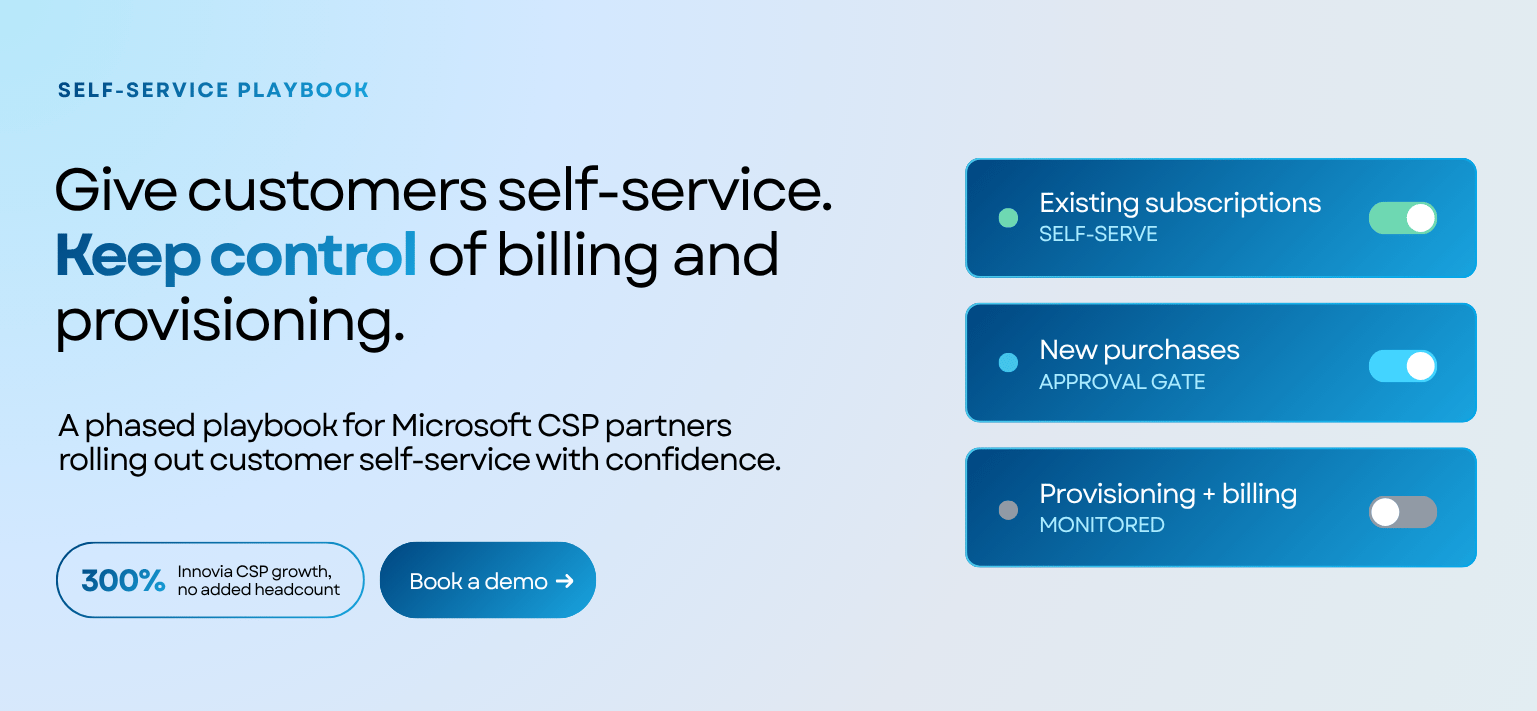
Let customers manage the subscriptions they already own before you let them buy anything new. Seat increases, seat reductions, and renewals on existing products cover the majority of day to day requests, and none of them introduce a commercial relationship you have not reviewed. You remove the highest volume of manual tickets right away, and customers build confidence on a smaller, lower risk surface area.
Keep new purchases behind an approval gate
When you are ready to enable new purchases, keep them gated. New product buys can sit behind an admin approval step, so nothing gets provisioned without your team seeing it first. You decide which customers get open purchasing and which stay in approval mode, and you can change that setting per customer as trust grows.
Give yourself visibility from day one
Control is mostly about visibility. Make sure you can see which licenses changed, who changed them, and whether any activity happened outside your approved process. Several partners restrict direct Microsoft Partner Center access to two or three named people and route everyone else through self-service, so that every change flows through one monitored path.
Let billing stay automated underneath
Self-service only builds trust if the billing behind it stays accurate. Every seat change needs to flow through to the invoice correctly, with the right proration, the right price, and the right margin, without anyone re-keying it. Work 365 keeps a real time sync with Microsoft Partner Center, so a change a customer makes is reflected in provisioning and in billing without polling delays or manual reconciliation.
Widen access as trust builds
Once existing-subscription management is running smoothly, visibility is in place, and billing is holding accurate, you can widen access on your own timeline: more customers, more product families, more open purchasing for the accounts that have earned it. This is the stage where self-service stops being a support-reduction tool and becomes a growth engine.
The engine behind it
Work 365 ENGEN
Work 365 ENGEN is the customer-facing app included with Work 365 that makes this staged approach practical. It gives customers one place to manage their Microsoft subscriptions, covering upgrades, renewals, and seat changes, while your team keeps the admin controls, the approval gates, and the real time Partner Center sync that keep provisioning and billing accurate. One app, one view, one engine for your revenue operations. Explore customer self-service with ENGEN.
Self-service is not a leap of faith. Rolled out in stages, with the guardrails on, it is one of the most dependable ways to grow revenue on the headcount you already have.